
How to Create a PayPal Account in 2026: A Plain Step-by-Step Guide
Setting up PayPal takes about five minutes, and you only need an email and a few details to start.
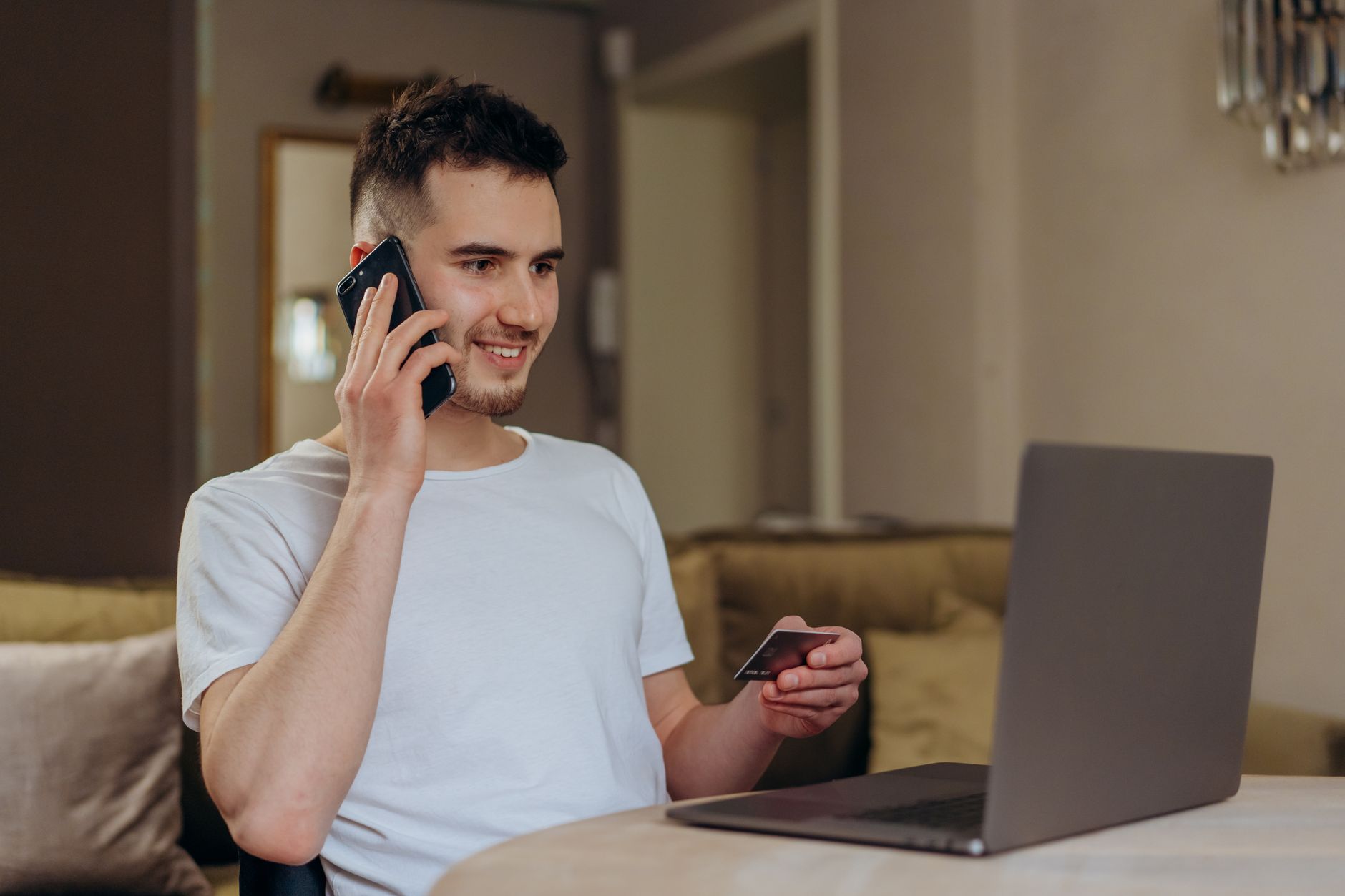
Before you pick a path, it helps to know what you are signing up for. PayPal lets you pay stores and send money to people without typing your card or bank number on every site. Choose the route that matches your situation and we will walk you through it.
You’ll stay on this site
Good news: the sign-up itself is free, and you can finish it on your phone or your computer.
What a PayPal account actually does
Think of PayPal as a middle layer between your money and the websites you buy from. When you check out, the store sees that you paid, but it never gets your full card or bank details. That single fact is why so many people in the US reach for it when they shop with a seller they do not fully know yet.
The same account works in two directions. You can send money to a friend who covered dinner, and you can receive money from a client who hired you for a quick design job. One login covers both.
Why people open one in the first place
Most new users come in with a clear goal. Some want to buy from an online marketplace and would rather not spread their card number around. Others just got their first freelance gig and need a way to get paid that the client already trusts. A smaller group simply wants a faster way to split costs with family.
All three goals point to the same starting move: create the account, confirm your email, and connect a funding source. After that, the day-to-day part is mostly tapping a button at checkout.
Three things worth knowing before you start
Frequently asked questions
Does it cost anything to create a PayPal account?
No. Opening a personal account is free. Fees only show up on certain actions, such as some payments or currency conversions, and PayPal lists those on its own site.
How old do I have to be?
In the US you need to be at least 18. Younger users generally have to use an account managed by a parent or guardian.
Can I sign up without linking a bank account right away?
Yes. You can create the account first and add a bank or card afterward. You just will not be able to send or withdraw money until a funding source is linked.
What is the difference between personal and business?
A personal account fits shopping and sending money to people you know. A business account adds invoicing, a public business name, and tools for getting paid by customers.
Is it safe to keep money in PayPal?
PayPal uses encryption and lets you turn on two-factor login. As with any account tied to money, the weak point is usually your email and password, which is why protecting those matters.
Pick the route that fits you and follow the steps. None of them takes long, and you can always come back to handle the others once your account is live.
You’ll stay on this site