Best Tools to Protect Your Online Payments in 2026
Once money moves through your accounts, three quiet tools do most of the protecting.
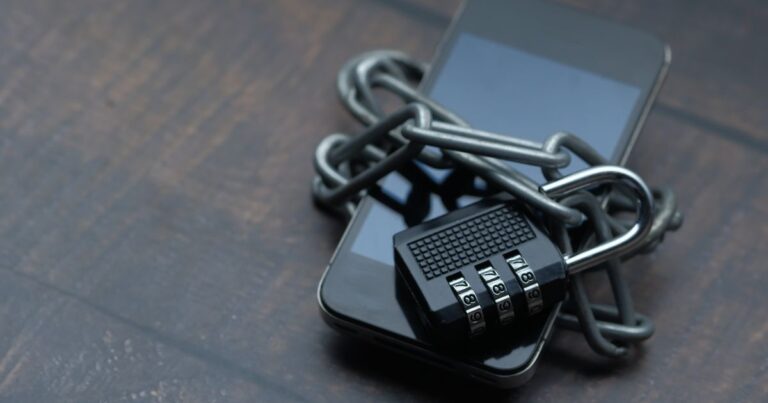
Opening a PayPal account is the easy part. Keeping it, and the bank behind it, out of a stranger’s hands is the part worth a little effort. After looking at where real losses come from, the same short list keeps showing up: a secure email, a hardened device, and an encrypted connection. Below is how each one helps and which option we found worth a closer look.
You’ll stay on this site
Why your email is the real master key
Your PayPal account sits on top of your email. So does your bank login, your card alerts, and the reset link for almost everything else. If someone gets into that inbox, they can request password resets and walk straight into your money. That is why a secure, private email matters more than people expect.
A provider built around encryption keeps the contents of those reset emails away from prying eyes, and a clean inbox with two-factor login is a much harder target than a decade-old address you reuse everywhere. Protecting the email is protecting the account.
Why your device needs its own guard
Even a perfect password does nothing if your laptop is quietly running a keylogger. Fake invoices, booby-trapped attachments, and look-alike checkout pages are the everyday tools of payment fraud, and they target the device, not the bank. A solid security suite blocks known phishing sites, scans downloads, and in some cases gives you a separate hardened browser just for banking and shopping.
That last feature is the standout for anyone moving money. A locked-down payment browser keeps other software from peeking at what you type during a transaction, which is exactly when it matters most.
Why your connection should be encrypted
Public Wi-Fi at an airport or cafe is convenient and a little leaky. On an open network, the data traveling between your phone and the site can be visible to others on the same hotspot. A VPN wraps that traffic in encryption, so even on shaky networks your login and payment details stay scrambled.
For someone who pays bills or checks balances on the go, this is the difference between a private transaction and one that anyone nearby could try to intercept.
How these three fit together
You do not need a dozen apps. Think of it as covering three doors: the inbox that controls resets, the device that handles the typing, and the network that carries the data. Close all three and the common attacks have nowhere left to walk in.
Many people start with the email, because it protects the most, then add device security, then a VPN for travel and public networks. Each page below digs into one option in plain language.
Recommended next steps
Read the short reviews and pick the layer that fills your biggest gap first. None of them require you to be technical, and you can add the others over time.
You’ll stay on this site
Frequently asked questions
Do I really need all three tools?
Not on day one. Start with the secure email, since it protects the most, and layer on device security and a VPN as your needs and budget grow.
Is free antivirus enough to protect payments?
Basic free tools help, but paid suites usually add anti-phishing and a dedicated secure browser for banking, which is the feature most relevant to payments.
Will a VPN slow down my internet?
A good VPN adds only a small amount of latency. For checking balances and paying bills, the difference is rarely noticeable.
Can these tools recover money I already lost?
No. They are preventive. If you have already been defrauded, contact PayPal and your bank directly to dispute the transaction.
What is the single most important habit?
Never click a payment link inside an email. Open a new tab and type the official address yourself. That one habit stops most phishing.
You do not need to buy everything. What counts is covering the three doors attackers actually use, so pick the one that closes your biggest gap and build from there.
Sources consulted: the US Federal Trade Commission and the Cybersecurity and Infrastructure Security Agency guidance on online fraud and safe browsing.